Capture a whole scrolling web page as one image, saved straight to your computer, privately.
No account, no network requests, nothing ever leaves your browser
New Launch
Lumina-Flux Full Page Capture
Built with Privacy in Mind.
Add to Chrome
Screenshot even long webpages, cleanly.
What is a “full page capture“?
A normal screenshot only grabs what’s visible on your screen at that moment. If a webpage is longer than your monitor (and most are), you’d need to take several screenshots and stitch them together yourself to see the whole thing.
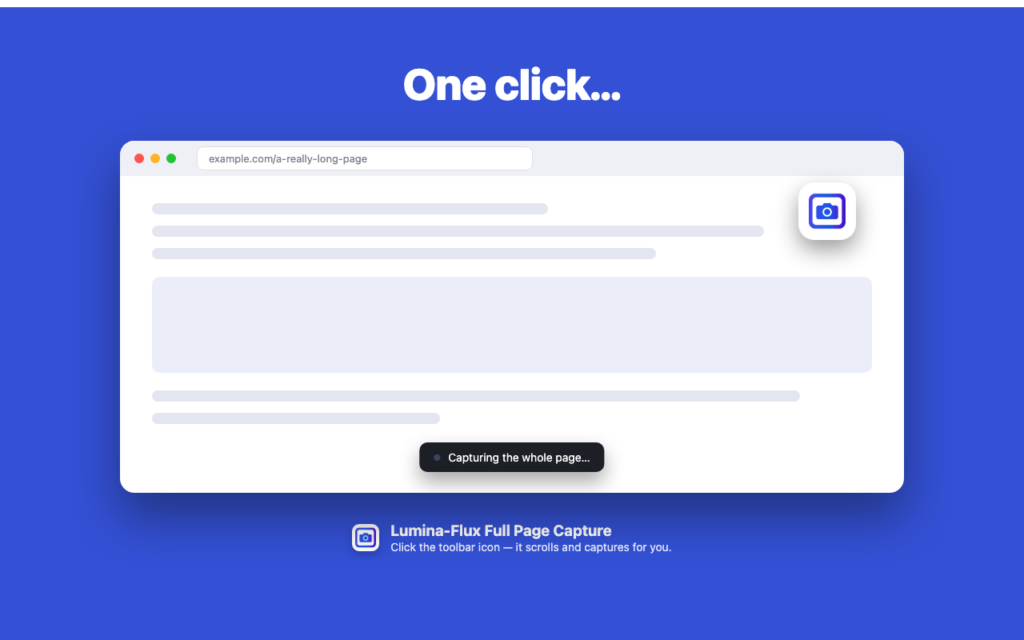
A full page capture does that stitching for you. Click one button, and the extension scrolls the page on its own, capturing each section as it goes, then joins everything into one continuous image: the entire page, top to bottom, exactly as it looks when you scroll through it.
Built with Privacy First
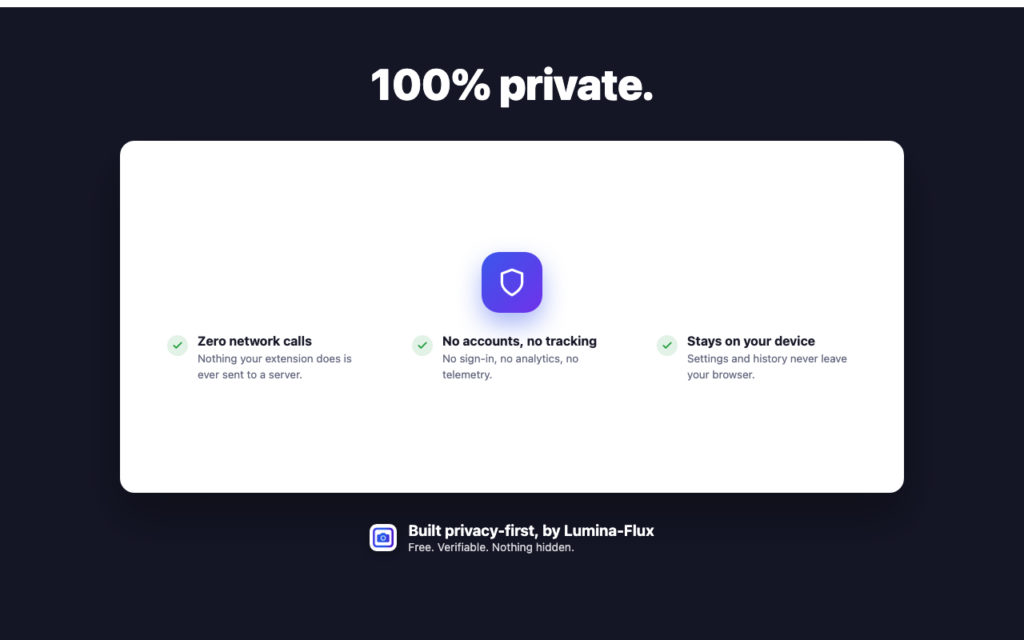
Everything happens locally in your browser. This extension makes no network requests of any kind—no analytics, no tracking, no accounts, nothing sent anywhere. It only ever touches the page you actively use it on, and everything it remembers (your settings, an optional local list of recent captures) stays on your computer.
How our Full Page Capture Chrome extension works
Click the toolbar icon (or press Alt+Shift+P / Cmd+Shift+P on Mac) on any page you’re viewing.
The page scrolls itself while each section is captured in the background.
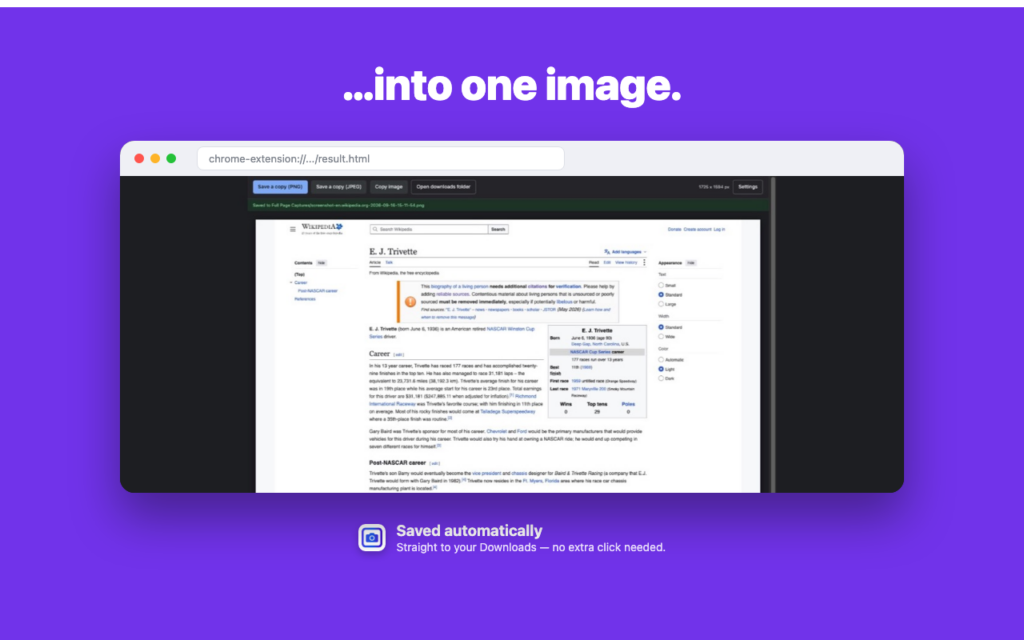
Everything is stitched together and saved straight to your Downloads folder—no extra click needed.
Need a copy somewhere else too—a client folder, an email attachment? Use “Save a copy” on the result screen to choose a different location. You can also copy the image straight to your clipboard.
Where Full Page Capture comes in handy
Full Page Capture at work:
Save a full customer complaint, support ticket, or chat transcript exactly as it appeared for your records
Capture a competitor’s website or a long product page for research or a presentation
Document a bug or a design issue on a live site to attach to a ticket
Keep a dated copy of terms, pricing, or a listing that might change or disappear later
Hand a client a clean image of their entire site or page, instead of a dozen cropped screenshots
Full Page Capture in your everyday life:
Save a recipe, article, or how-to guide before it gets taken down or paywalled
Keep a full copy of a rental listing, job posting, or booking confirmation
Capture a long thread, review, or comparison page to read again later, without needing to revisit the site
Hold onto a receipt, itinerary, or confirmation page exactly as it was shown to you
Additional Information
Save as PNG or JPEG
Choose your own Downloads subfolder and file-naming pattern in Settings
Fixed headers and cookie banners are hidden after the first section, so they don’t repeat down the image